📌 2026-09-25
Decent Espresso’s open-source approach has enabled independent developers to create alternative DE1 control apps, giving owners a growing choice of interfaces, workflows, and features beyond the standard de1app. [more]
2026-10-15
Learn how to return to the Decaid dashboard from any skin, with step-by-step instructions for Android, iOS, iPadOS, macOS, Windows, Linux, and Raspberry Pi. [more]
2026-10-08
Install custom skins and plugins in decaid with this step-by-step guide, using a GitHub link or ZIP file to customize your Decent Espresso experience. [more]
2026-10-05
Enable Decent Espresso’s Shot Uploader to send shots to the cloud, compare past extractions, and view cloud-based visualizations in de1app or decaid. [more]
2026-09-25
Decent Espresso’s open platform has given rise to a rich collection of community-created DE1 profiles, covering classic, spring-lever, blooming, turbo, and adaptive styles. [more]
2026-06-28
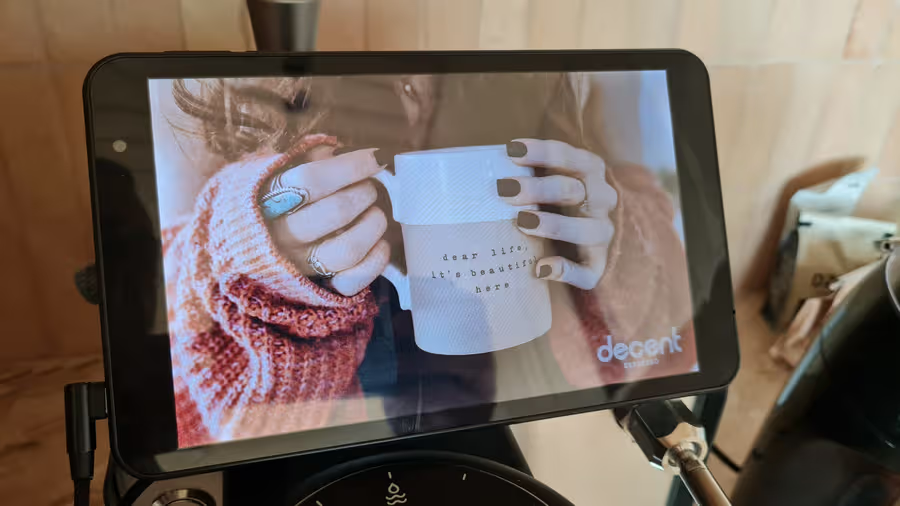
Want to personalize your Decent Espresso machine? Learn how to add your own custom 1280x800 JPEG images to the app's screen saver directory. [more]
2025-08-13
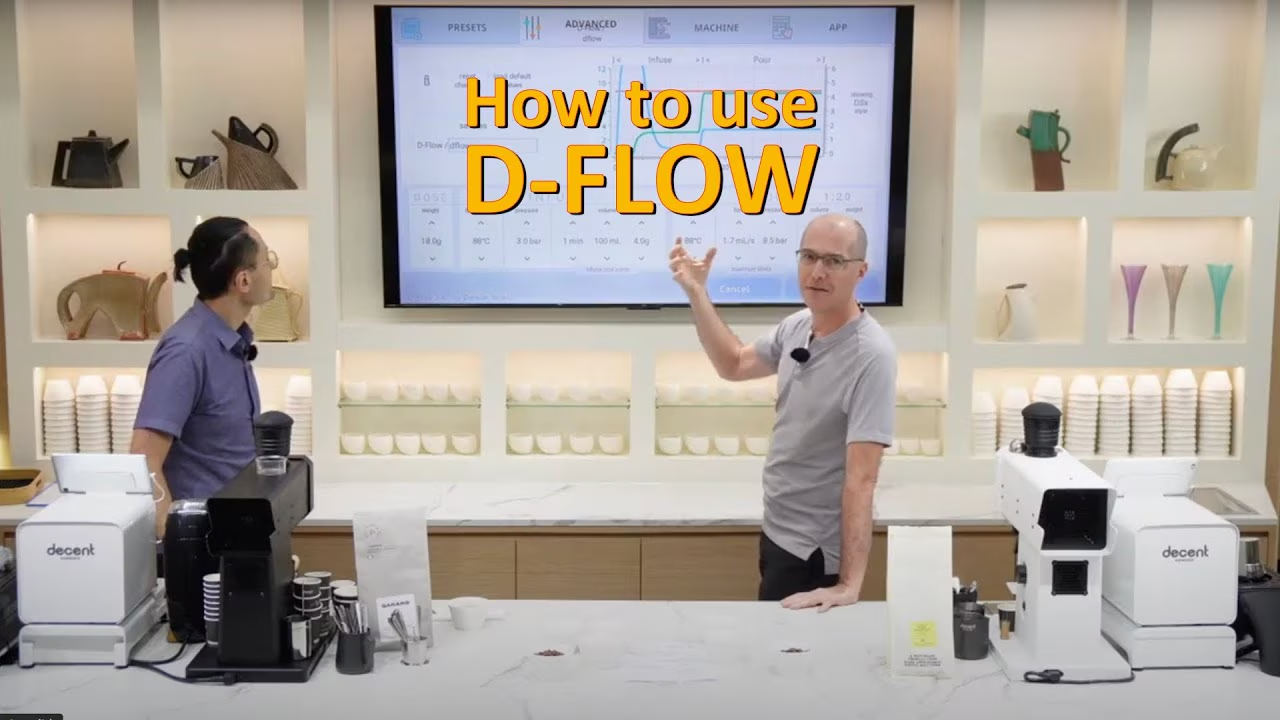
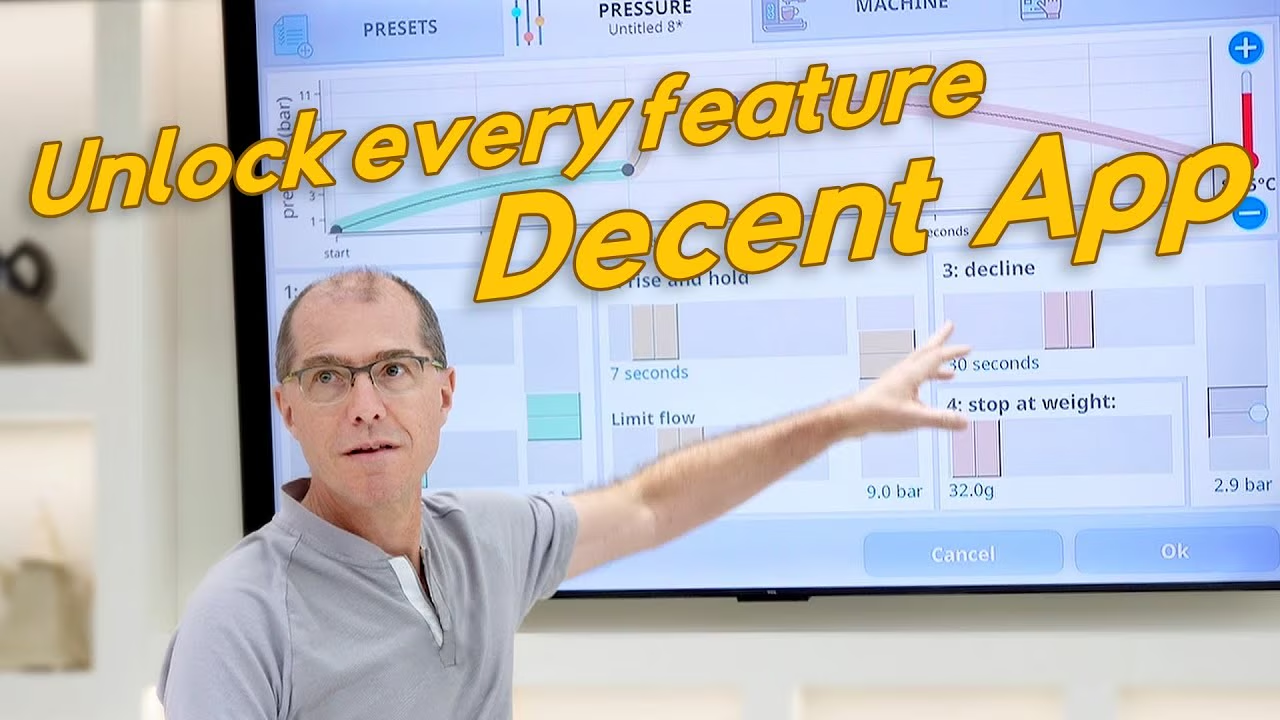
The Decent App, explained. Unlock every feature. This video walks you through the main features of the tablet app that controls your DE1 — from pulling your first shot to customizing advanced espresso profiles. [more]
2025-03-28
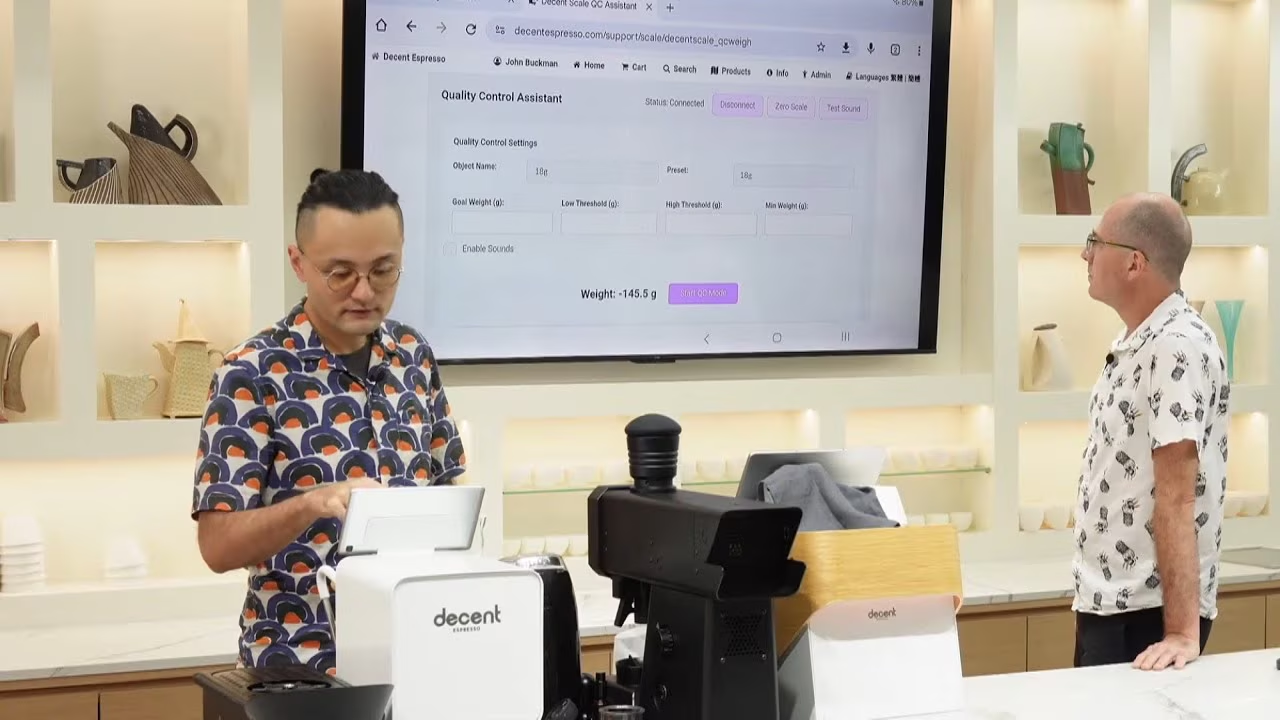
Three new apps for all Decent Scale owners: web weigh, QC weighing and the Dosing Assistant. Weigh several objects in a row, see which of those objects are within your stated tolerances, and keep a log of the whole thing. [more]
2025-02-17
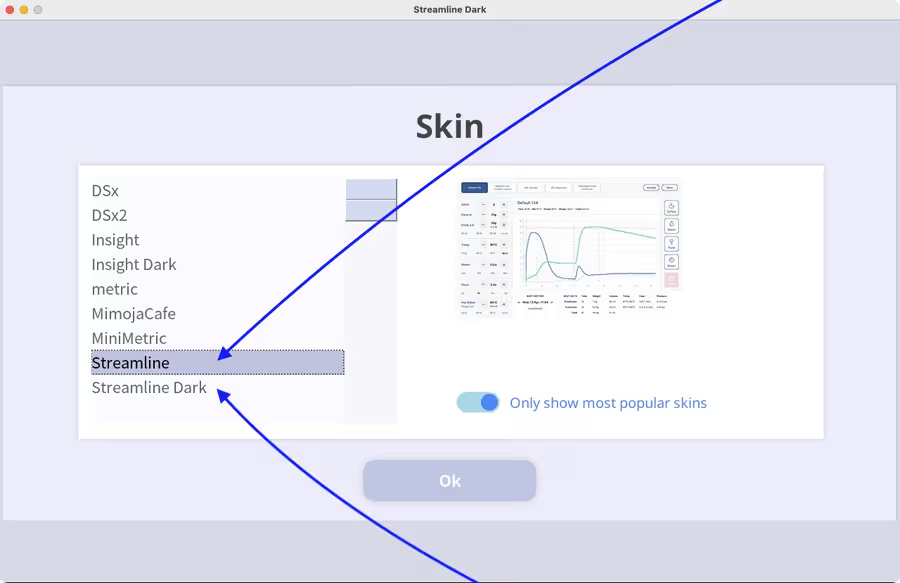
The guide explains how to use Streamline Skin, offering users a smoother, more intuitive experience for managing and customizing their coffee brewing. [more]
2025-02-06
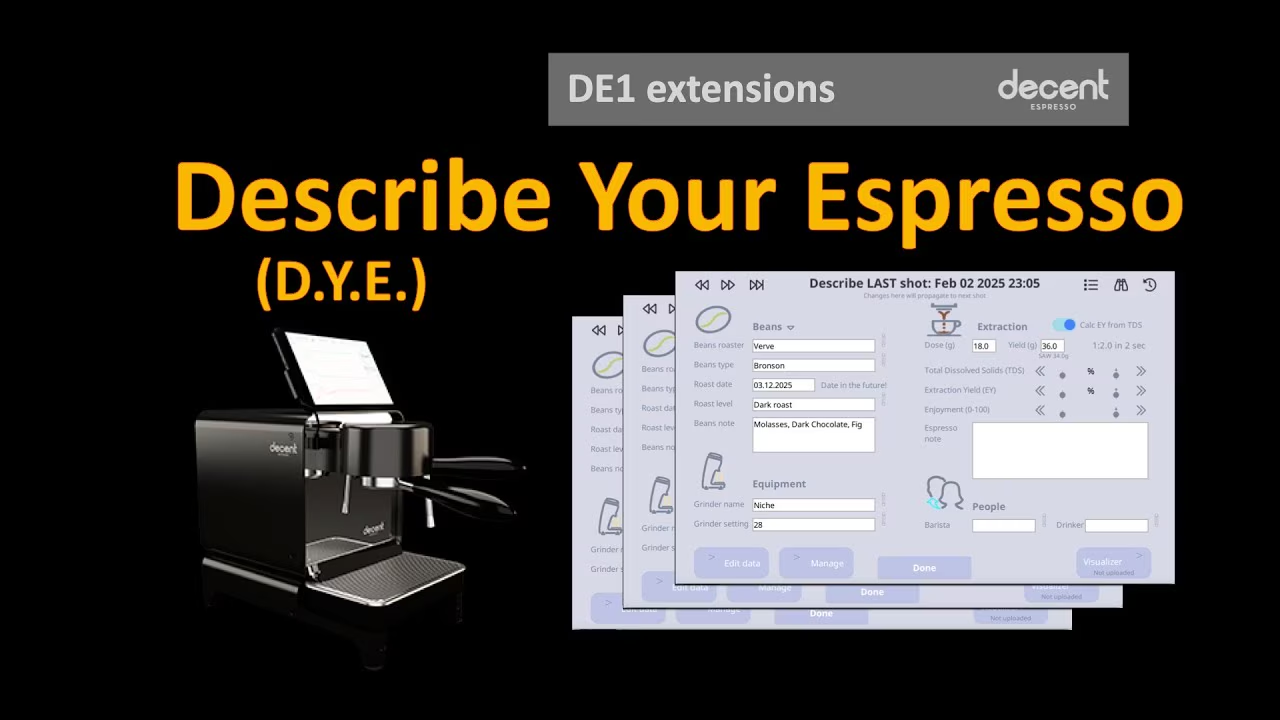
The "Describe Your Espresso" extension in the DE1 app lets you save espresso shot details, including bean information, grind, and more. [more]